Plexa launcher 0.10.0: one home for every Plexa game
The launcher is now a home for every Plexa game, not just PlexaRP: a new layout, a page for each game, search, rebuilt friends, Plexa ID and checks before Play.
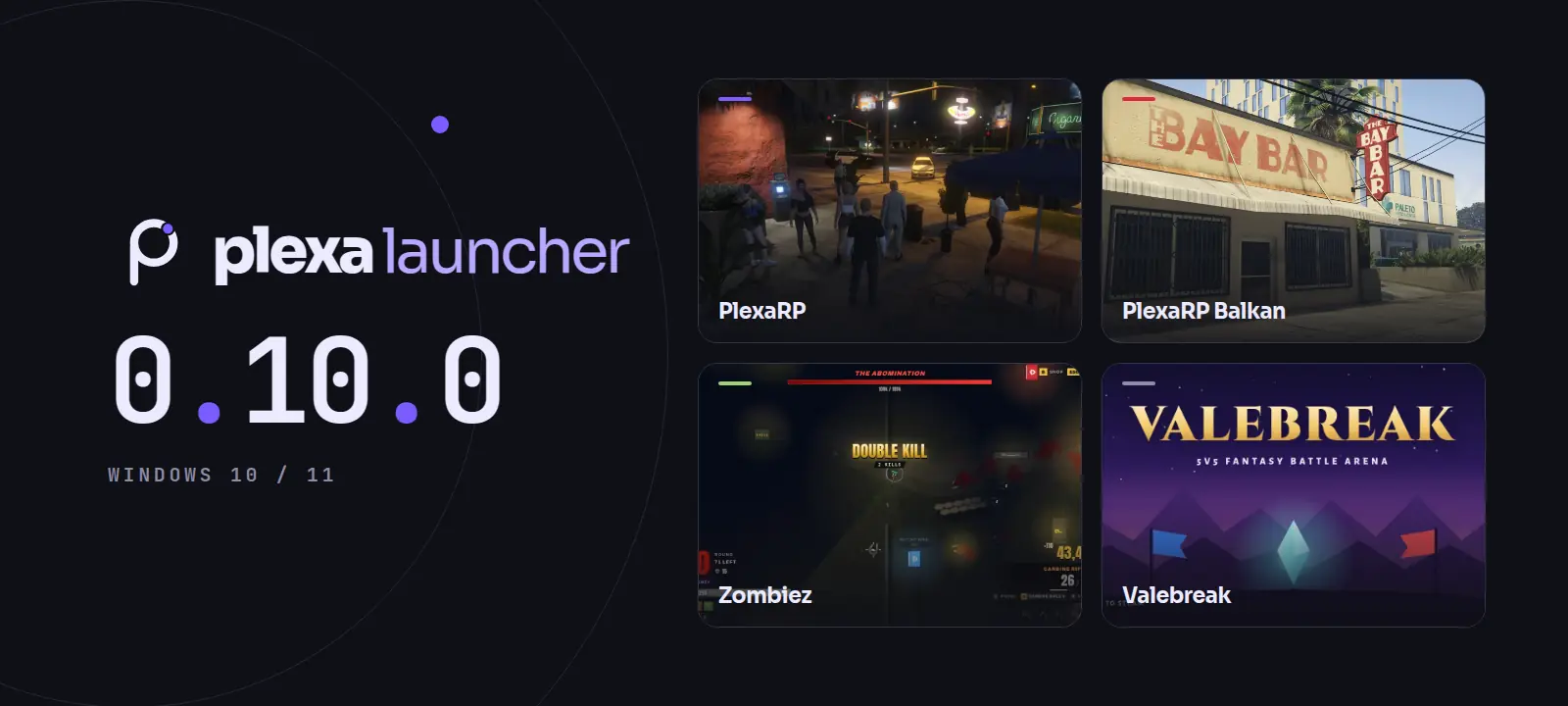
Version 0.10.0 of the Plexa launcher is out. The launcher is now a home for every Plexa game, not just PlexaRP. Every screen you had is still here; it has moved to where it belongs.
A new layout
Across the top: Home, Library, News and Store, with search, your Plexa Points, notifications and your profile. Down the left, one tile per game: PlexaRP, PlexaRP Balkan, Zombiez and Valebreak (coming soon), each showing its server's status. Your friends sit on the right.
Home, and a page for each game
Home shows what is on now: the next event, the latest patch notes, your Zombiez best and the newest post, with Play and a server choice. Your characters are there to jump back in as, with news, whether the servers are up and a reminder button for the next event.
PlexaRP puts the server's numbers and your ping next to Play, with your characters, today's tasks, your standing, patch notes and the next events, and tabs for Your city, Events, Wiki, Rules, Market, Leaderboards and Support. Pick PlexaRP Balkan in the left bar and the page, its art and its colours switch to Balkan. Zombiez shows your arcade rank, bests and stats, and each mode card opens the arcade on that mode. Valebreak has its own page, ready for when there is news.
Search everything with Ctrl K
One box searches games, screens, friends and the wiki, with quick actions such as Play PlexaRP or a connection check. You can leave the accents off: c finds č and ć, d finds đ.
Library, friends, Plexa ID and Store
- Library. Your games as cards you can filter and sort, and On this PC: whether FiveM is found, and how long and how recently you played.
- Friends, rebuilt. Who is online, away or busy, friend requests and unread messages, on the right of Home, Library, Store and News. Click a friend to talk to them. The Friends page adds people by username or friend code and handles requests and blocking.
- Plexa ID. Your account in one place: badges, your play time across the games, Plexa Points with your latest changes, and the state of two-step sign-in, sign-in approvals and linked accounts.
- Store. Your PlexaRP+ status and what you can spend Plexa Points on in the city, with what each item needs. Buying happens in game with /ppstore; the launcher never takes payments.
Checks before Play
Pressing Play now shows each step: the launcher is up to date, FiveM is found, the server answers, FiveM starts and you join. If something is wrong, it says what and what to do, with Try again. Signed in, it tells you when you are in the city.
Good to know
- Your English and Balkan accounts are still separate. Plexa ID shows the one for the server you have picked.
- Friends show as online, away, busy or offline for now. Once the control panel sends who is in game, they will show as playing PlexaRP, and the game tiles will count friends in the city.
- Play from the tray menu still starts FiveM straight away, without the checks.
The launcher updates itself, so if you already have it, 0.10.0 installs the next time you open it.